Atlas for Mac: Minimalist Web Design Focused on Typography and Pure Experience While so many software sites these days end up visually overloaded with flashy gradients, heavy isometric 3D renders, and non-stop animations, designer and developer Alexey Sekachov took a completely fresh, refined direction for the Atlas for Mac landing page. The site comes together like a beautifully crafted editorial piece—clean, crisp, and high-contrast.
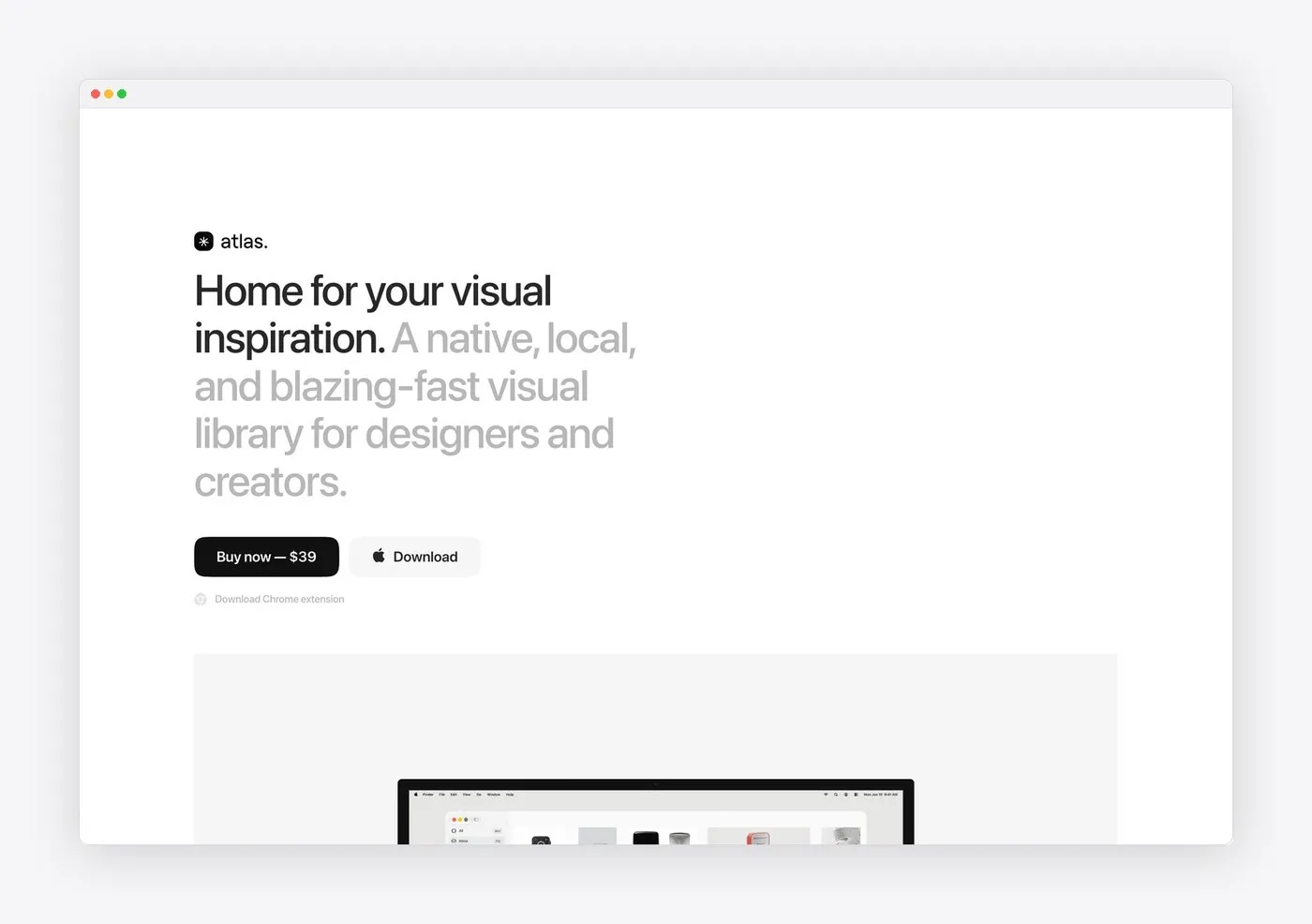
At its core, the interface shines through minimalist monochrome tones. Bold black grotesque typography pops against generous white space, giving the entire page an airy, incredibly intuitive feel. Instead of forcing overly complex layouts, the web design mirrors the exact spirit of the product itself: a neat, local-first visual library crafted specifically for designers, art directors, and creatives looking for quick inspiration without distraction.
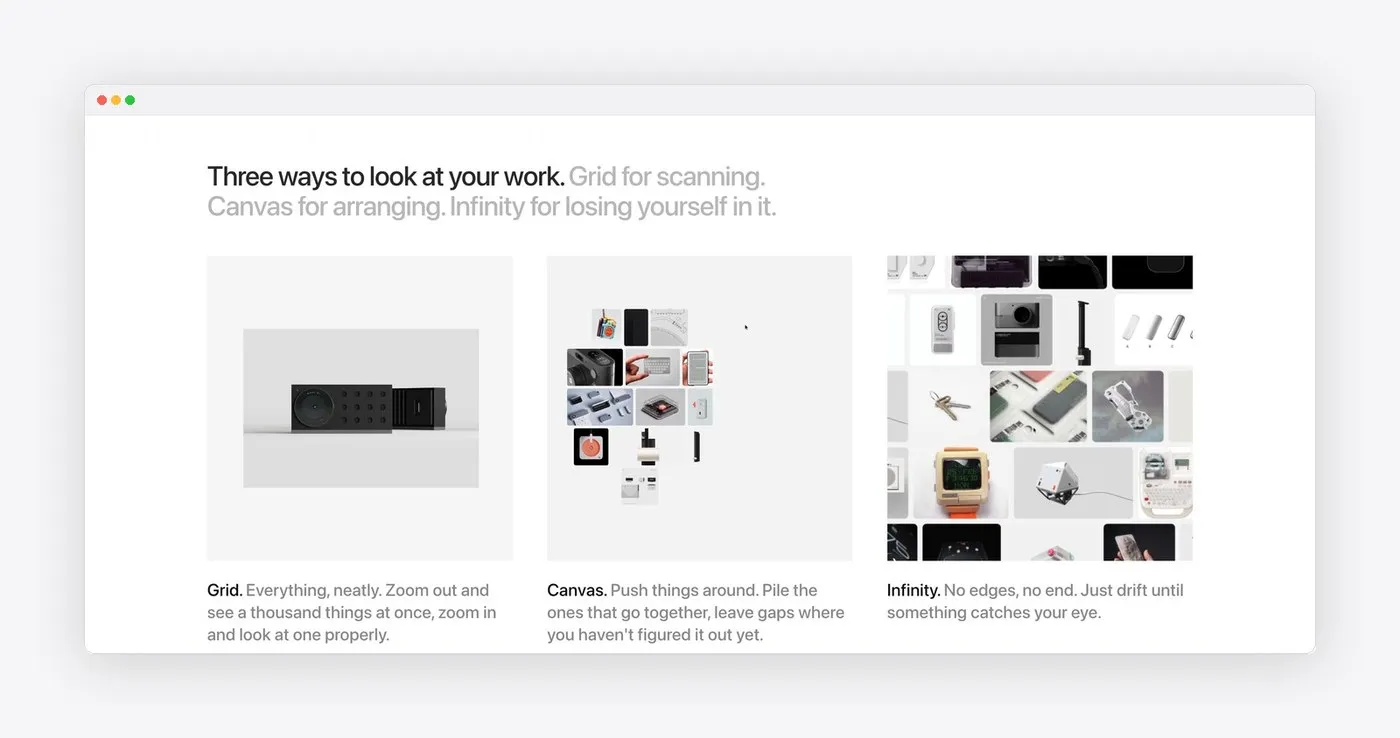
A strong typographic hierarchy serves as the structural framework for the whole page. Right in the hero section, a confident headline uses subtle font weight modulation and opacity variations to smoothly guide the reader’s eye to key details. Just below, a three-column layout titled “Three ways to look at your work” breaks down how Atlas organizes visual assets across Grid, Canvas, and Infinity views. Precise line and column spacing paired with punchy microcopy make understanding the app’s workflow effortless.
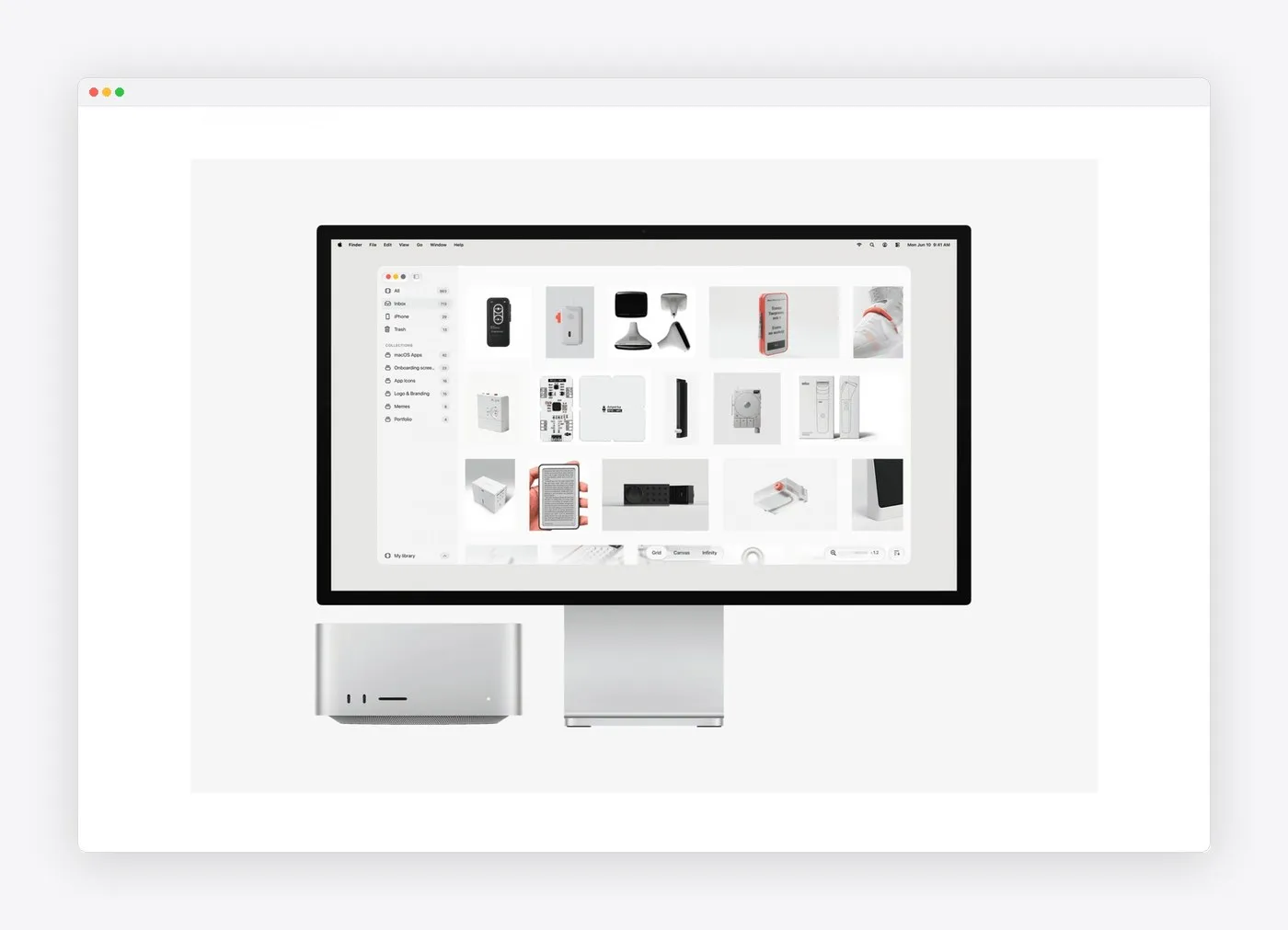
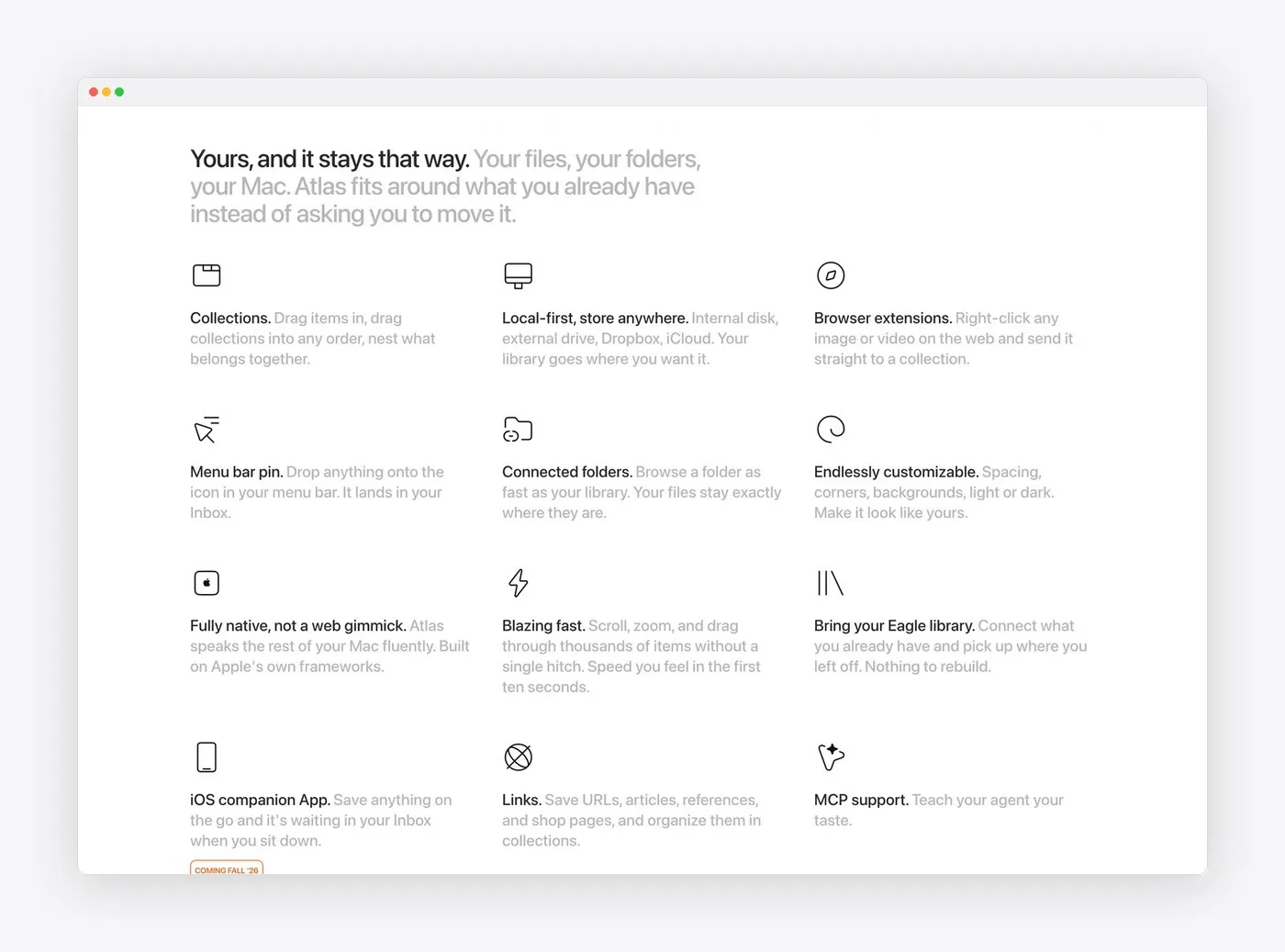
Rather than relying on abstract device mockups, Alexey Sekachov showcases the interface inside real-world hardware setups like the Apple Studio Display and Mac Studio. This keeps native macOS UI elements—like window controls, light/dark themes, and folder sidebars—feeling totally grounded and realistic. Supporting features are neatly presented through fine-line icons, highlighting key perks like local storage, seamless Eagle library migration, menu bar pinning, and Model Context Protocol support.
Every section of the site reinforces the core value of a smooth, offline-ready tool with a simple one-time purchase that truly respects user experience. Full details and app downloads are available on the atlasformac.com/.
Atlas for Mac: Thiết kế web tối giản tập trung vào typography và trải nghiệm nguyên bản
Trong khi nhiều trang quảng bá phần mềm hiện nay hay bị “quá tải” thị giác với đủ loại hiệu ứng gradient, hình dựng 3D isometric hay animation dồn dập, designer và developer Alexey Sekachov lại chọn một lối đi riêng cho landing page của Atlas for Mac. Trang web được tạo nên như một tác phẩm thiết kế mang phong cách editorial chỉn chu, sạch sẽ và có độ tương phản cao.
Nền tảng của giao diện nằm ở sự tối giản với tông màu đen trắng monochrome. Font chữ kiểu grotesque màu đen nổi bật trên những khoảng không gian trắng rộng rãi, tạo cảm giác trực quan và thoáng đãng. Thay vì cố tạo ra những bố cục phức tạp, giao diện web phản chiếu chính tinh thần của sản phẩm: một thư viện hình ảnh gọn gàng, chạy trực tiếp trên máy (local-first), dành riêng cho designer, art director hay những người làm sáng tạo muốn tìm kiếm cảm hứng một cách nhanh chóng mà không bị xao nhãng.
Thứ bậc thị giác (typographic hierarchy) chính là khung xương cho toàn bộ trang web. Mở đầu phần hero section là dòng tiêu đề lớn đầy tự tin, sử dụng sự thay đổi độ đậm nhạt (weight modulation) và độ mờ (opacity) để hướng mắt người xem vào những thông tin quan trọng nhất. Ngay phía dưới, nội dung được chia thành 3 cột mang tên “Three ways to look at your work”, giải thích cách Atlas xử lý hình ảnh qua các chế độ Grid, Canvas và Infinity. Các khoảng cách dòng, cột đều được căn chỉnh chính xác, đi kèm các đoạn microcopy ngắn gọn giúp người xem dễ hình dung thao tác trên ứng dụng.
Thay vì dùng những bản mockup cách điệu, Alexey Sekachov đặt giao diện ứng dụng trực tiếp trong khung cảnh thiết bị thực tế như Apple Studio Display hay Mac Studio. Nhờ đó, các yếu tố giao diện đặc trưng của macOS như thanh cửa sổ native, chế độ sáng/tối hay sidebar thư mục đều được thể hiện rất chân thực. Các tính năng phụ cũng được trình bày gọn gàng qua hệ thống icon nét mảnh, giới thiệu khả năng lưu trữ local, di chuyển thư viện từ Eagle, ghim vào menu bar hay hỗ trợ Model Context Protocol.
Từng phần trên trang web đều tập trung làm nổi bật giá trị của một công cụ mua một lần, dùng offline mượt mà và tôn trọng trải nghiệm của người dùng. Thông tin chi tiết và bản cài đặt ứng dụng hiện có sẵn trên trang web atlasformac.com/.