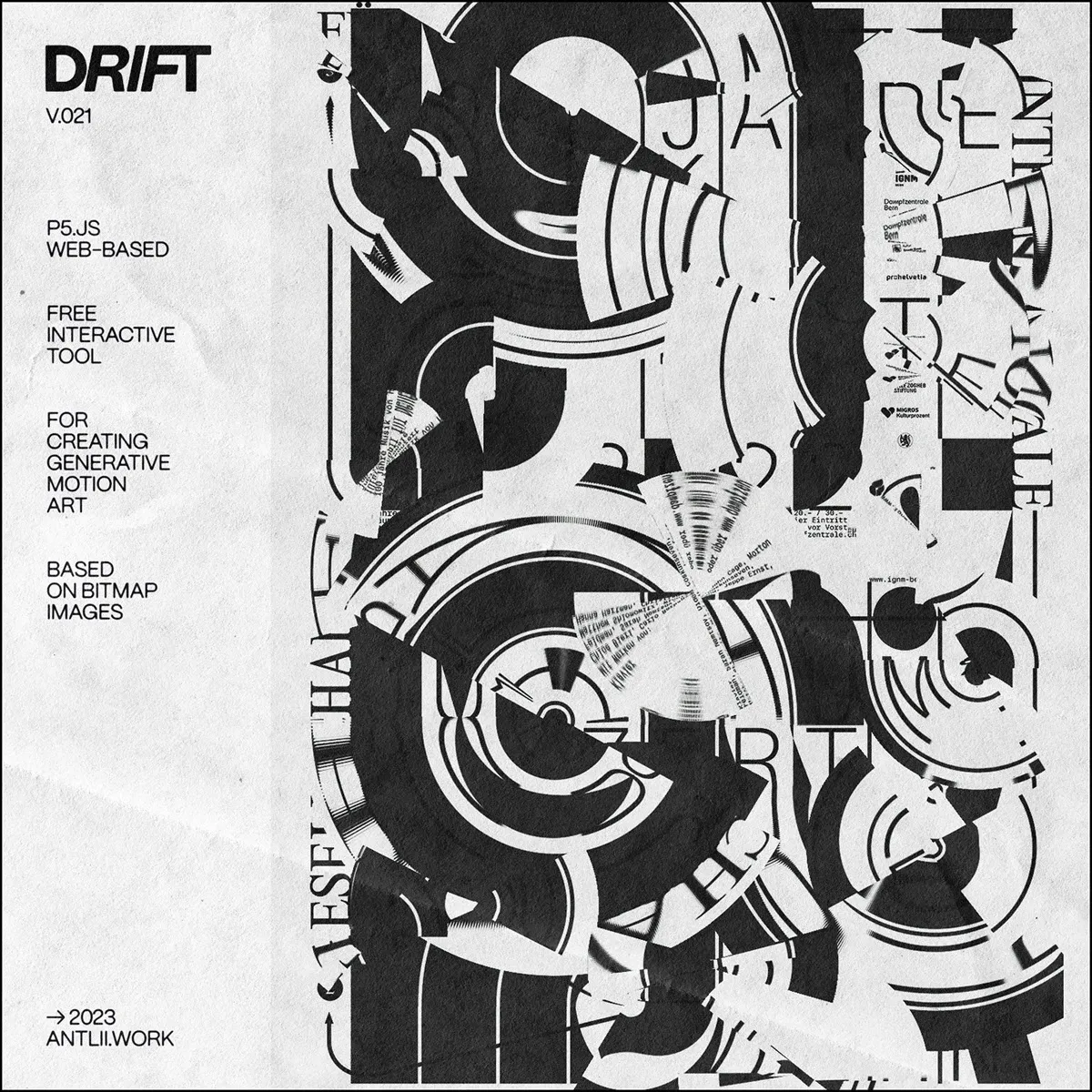
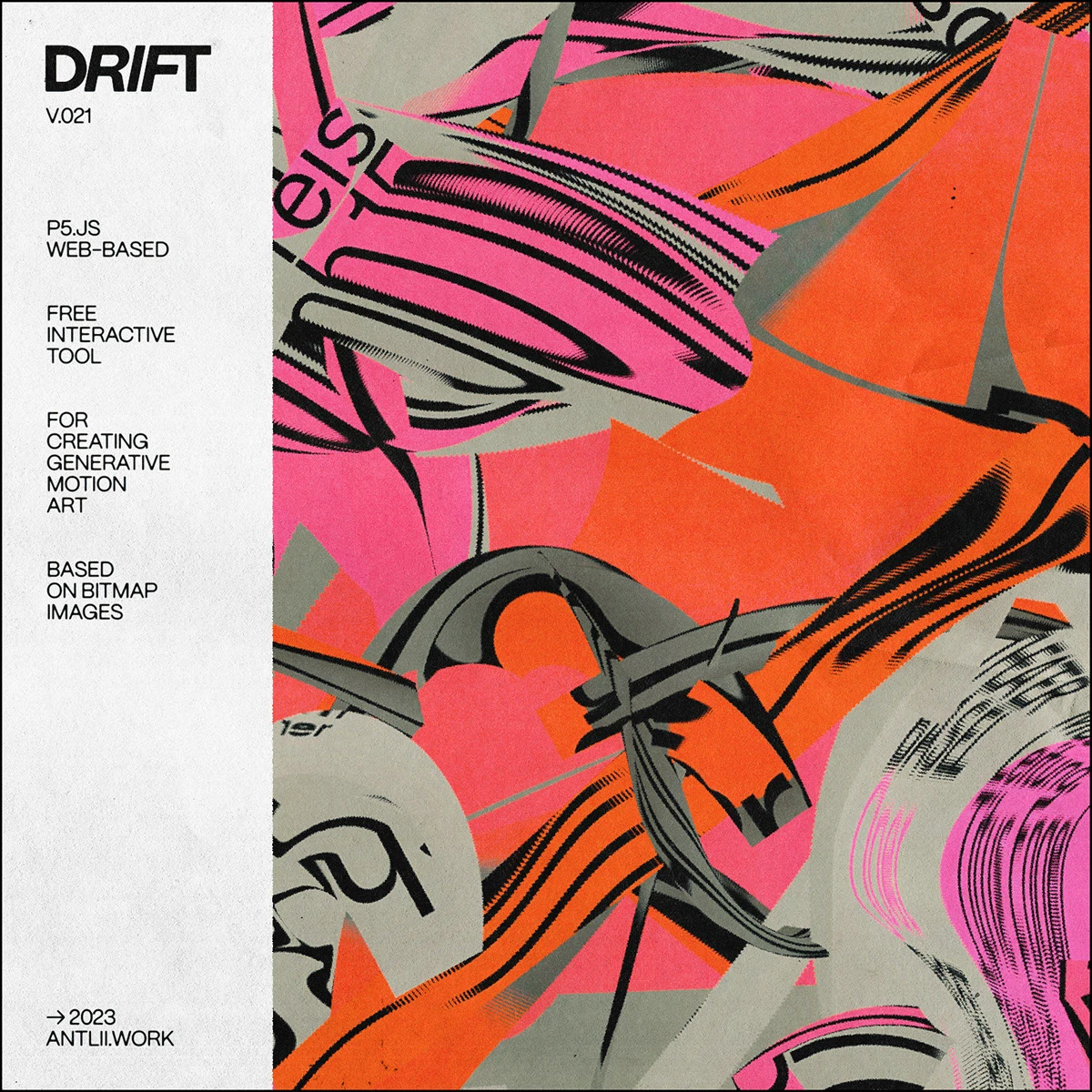
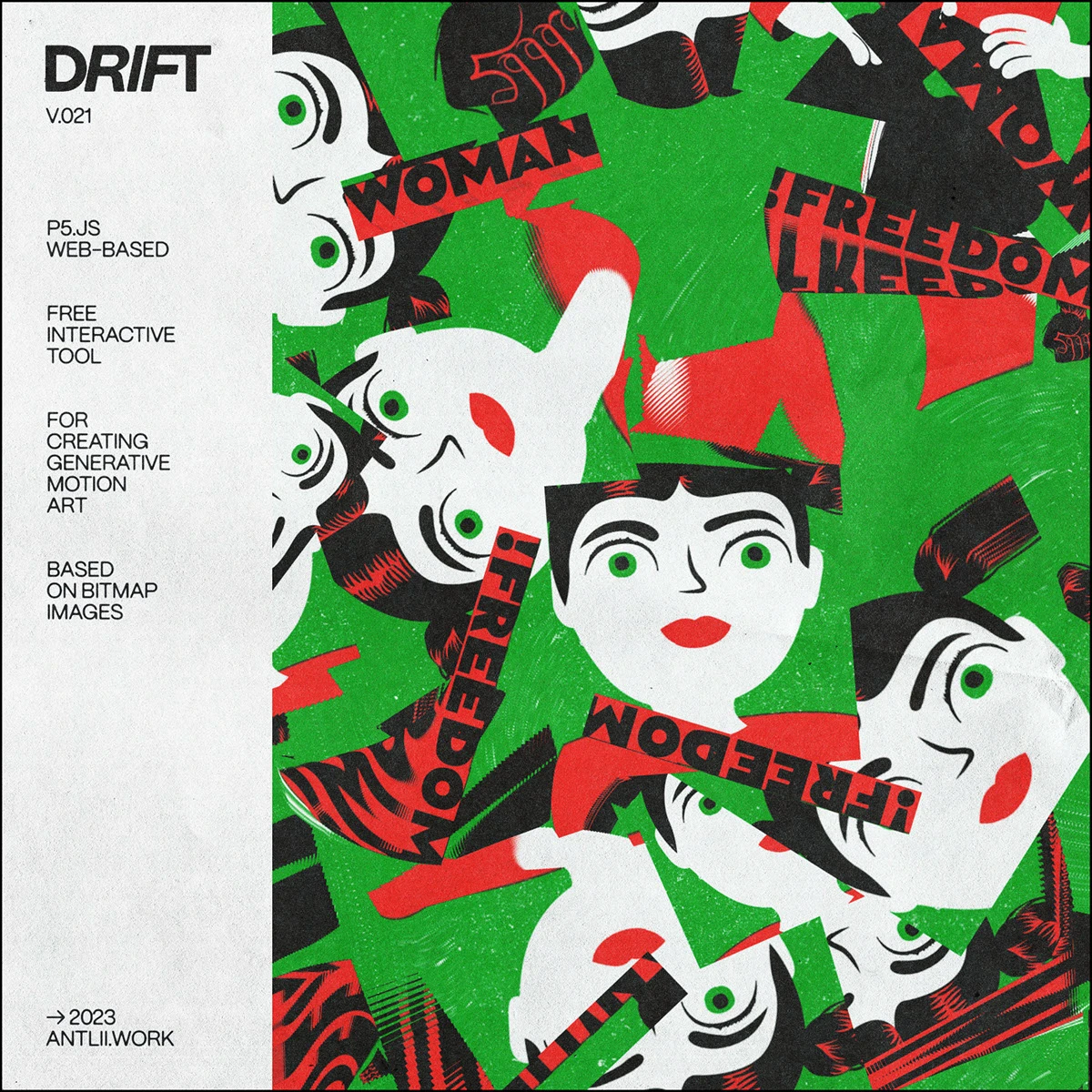
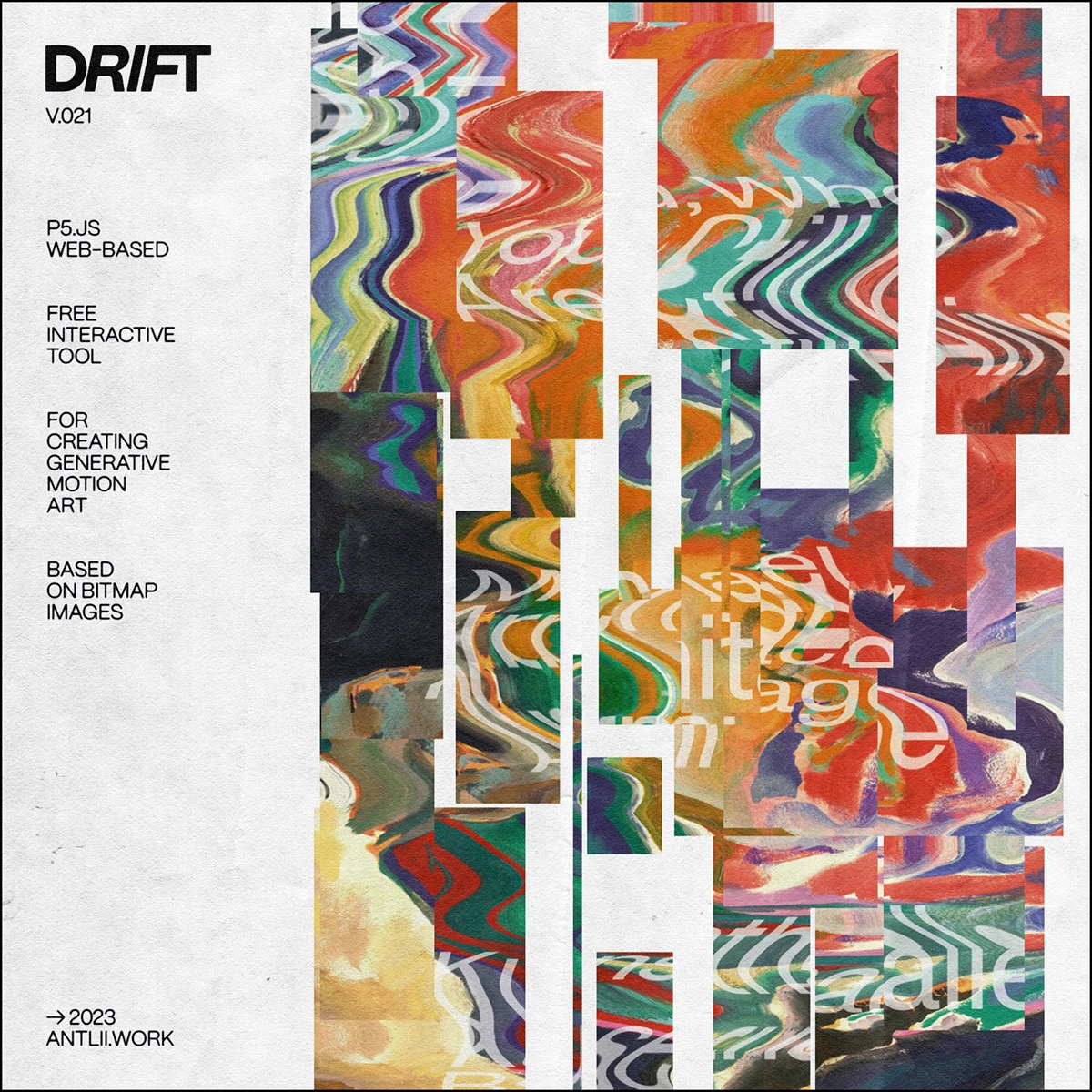
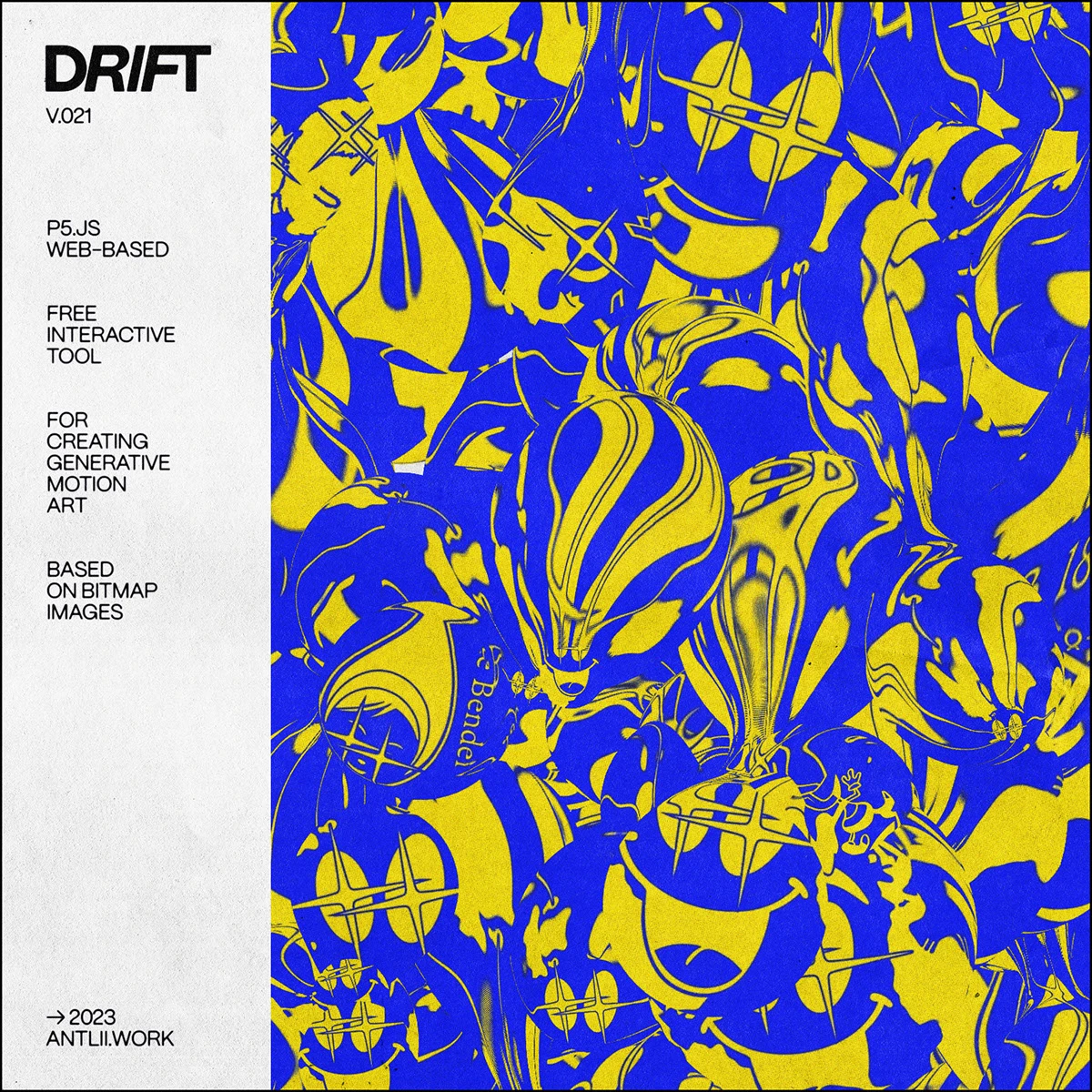
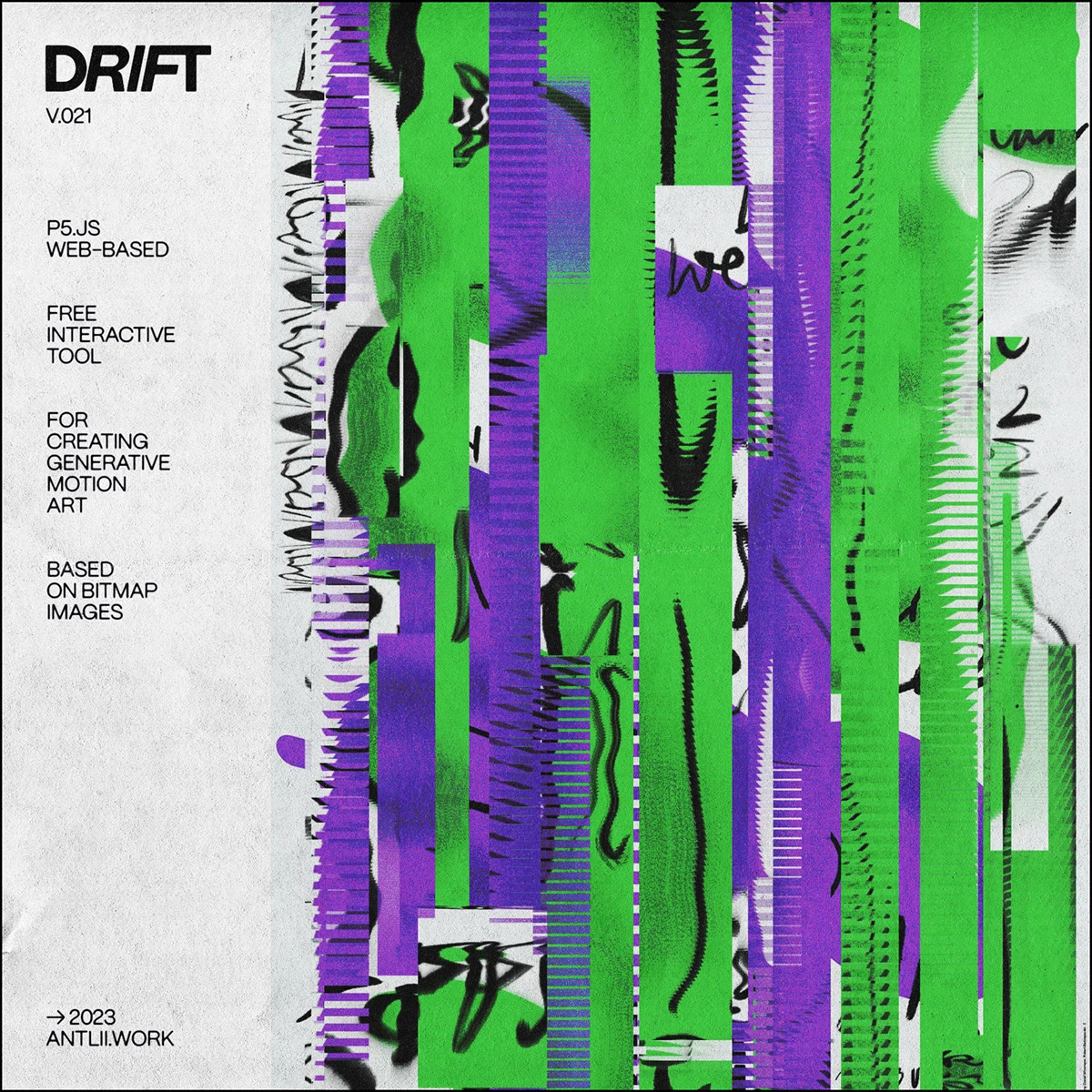
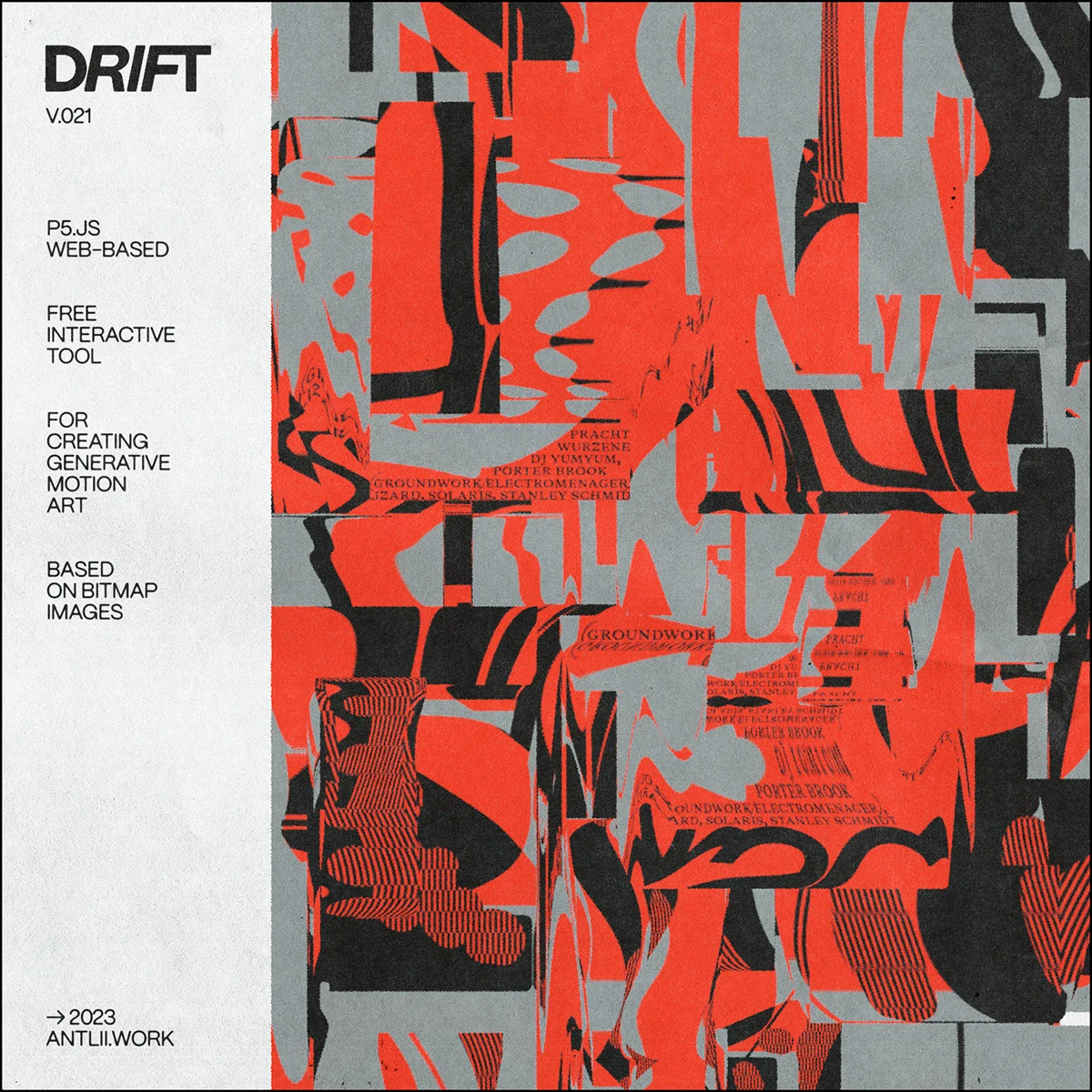
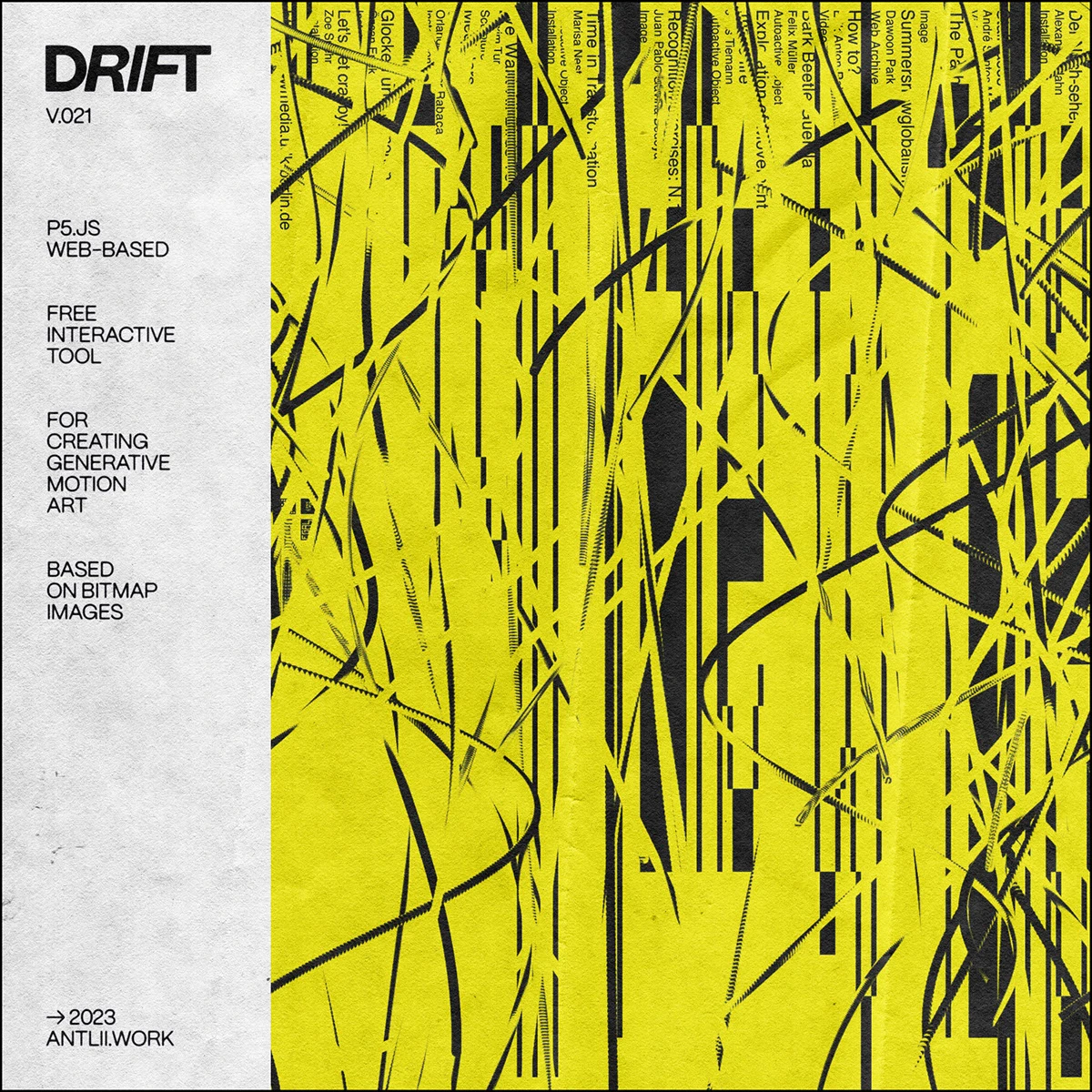
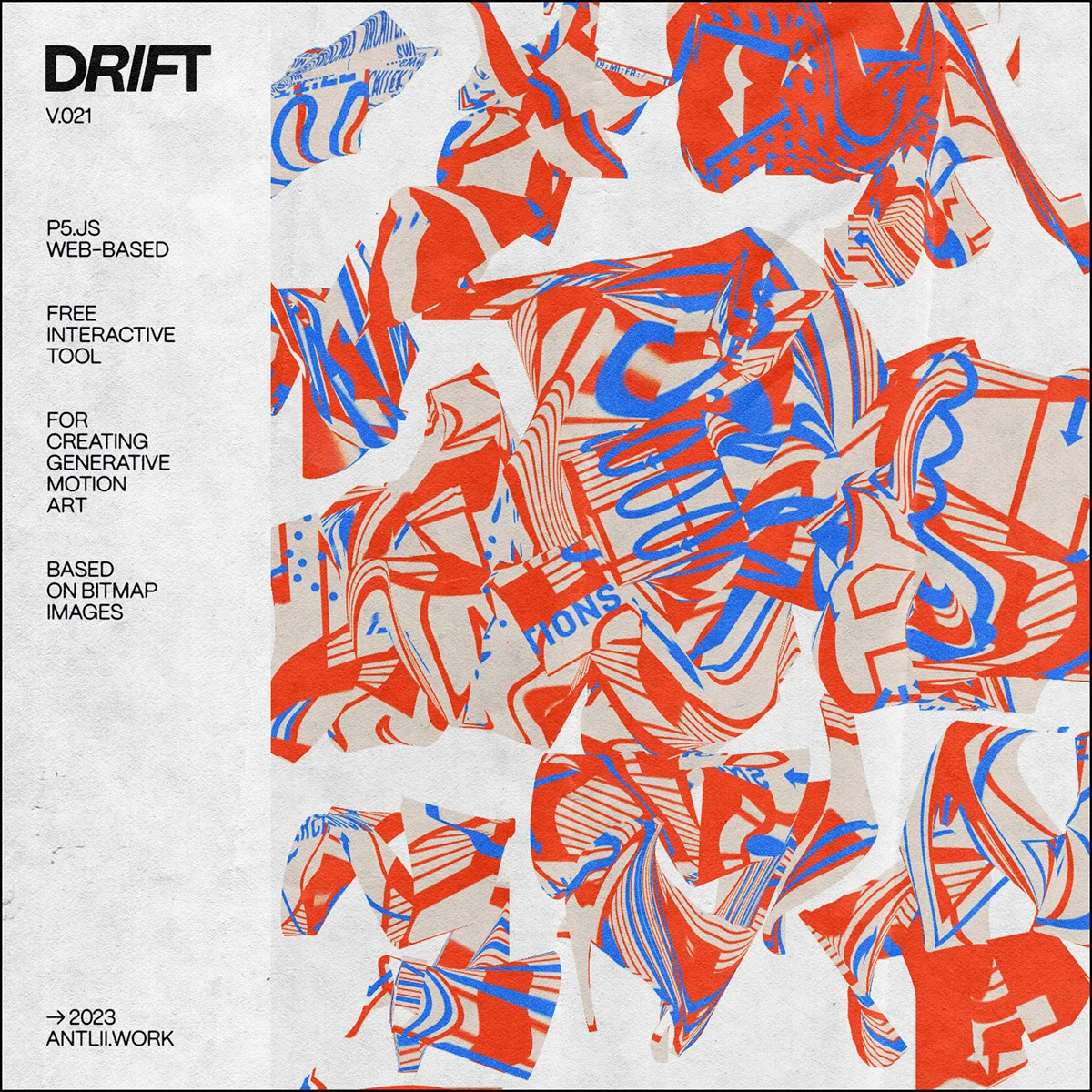
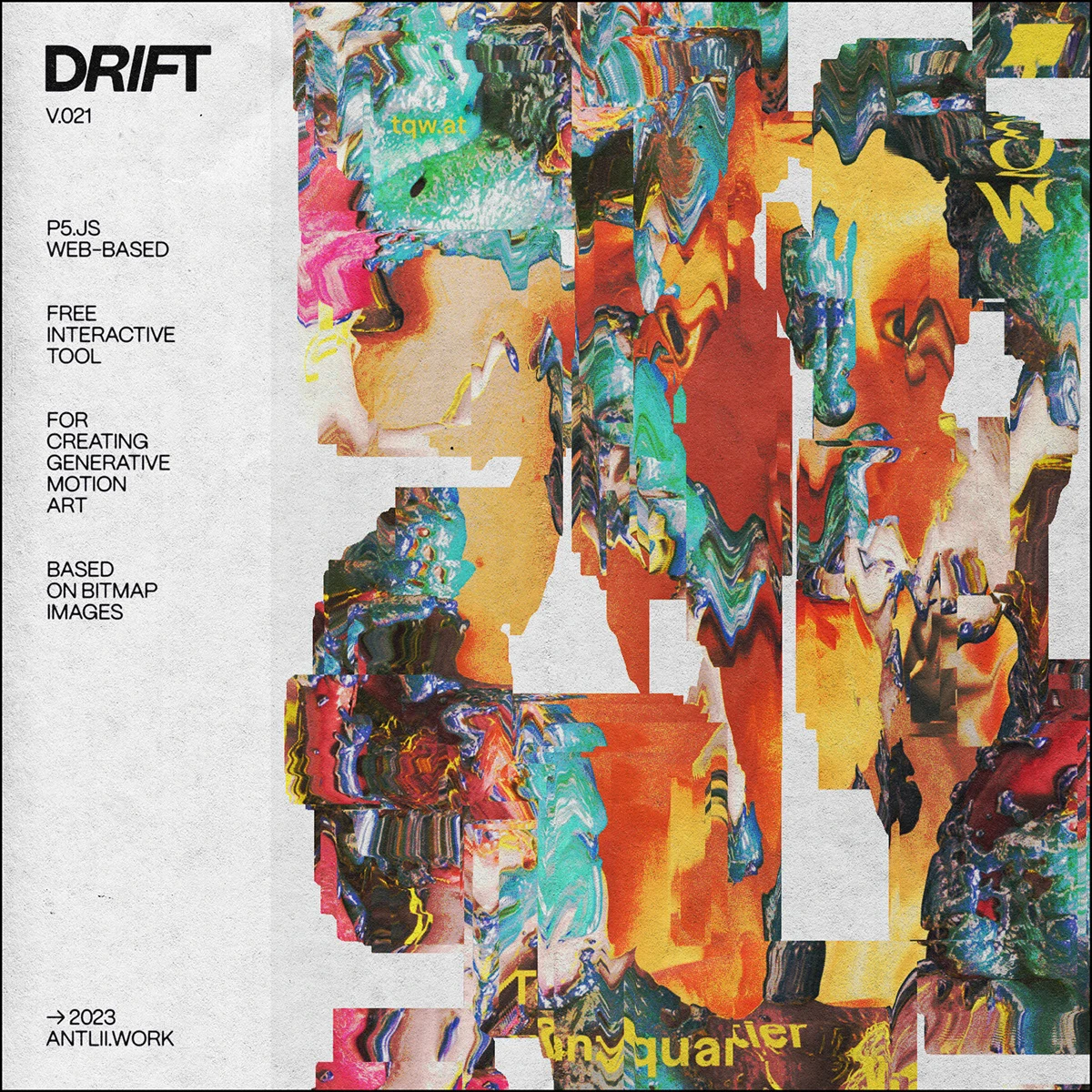

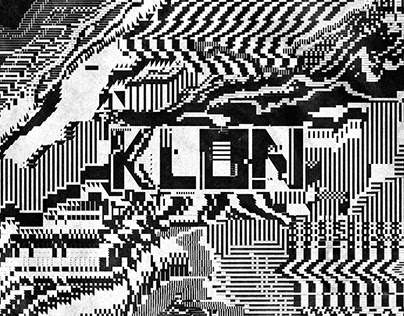
Check out this super cool web tool making waves in the design community called DRIFT. Built on p5.js, this interactive app lets anyone create mesmerizing, ever-evolving generative motion art in real time using standard bitmap images. Users can easily upload their own photos from a computer or grab a random shot from Unsplash to kickstart their creativity.
How DRIFT works is incredibly simple, yet it delivers a massive visual punch. Using a mouse or touchpad, users can select and resize any area of the original image. With a quick click, the algorithm generates a custom shape and clones the selected image area right into it. From there, the system continuously duplicates, moves, and transforms that shape based on settings in the Form and Animation panels, creating an endless dance of visuals.
Right when the page loads, the tool automatically pulls a random photo from Unsplash, applies one of its built-in motion presets, and drops about ten random shapes to showcase what it can do. Want to use a custom image? Just hit the “Upload Image” button. Keep in mind that swapping in a new photo will completely reset the current canvas and clear out any active shapes. Feel free to experiment with different presets and click anywhere on the screen to add fresh shapes. Since these presets load as JSON files, they might take a brief moment to load, but there’s a handy status bar to keep track of the progress.
Adjusting the selection size is a breeze directly with a mouse or touchpad. Touchpad users can simply use a two-finger gesture to change the selection size. For mouse users, just hold down the right mouse button while moving around. There is also a slider in the control panel that works beautifully for fine-tuning the size. One thing to note: the current version doesn’t support mobile or tablet gestures just yet. To speed up the workflow, hotkeys are an absolute game-changer. Pressing the H key pulls up a full list of shortcuts right on the screen.
The real-time motion algorithm relies heavily on the parameters inside the Animation section. Right now, the tool serves up 8 different interaction modes, including shifting shapes along the X/Y axes, moving the image inside the shape, rotating, scaling, and adjusting transparency or tinting. Each mode comes with deeper customization options like movement type, maximum amplitude, and frequency. Even cooler, the “Parameters Randomization” feature can randomize these settings every time a new shape drops.
Once a perfect effect is dialed in, users can save the configuration as a JSON file to their computer using the import/export preset feature, making it ready to reload at any time. These custom creations will pop up right under the “User Preset” list.
DRIFT supports capturing motion at a smooth 60 FPS and can export directly to WebM or MP4 video formats, or as a sequence of JPG, PNG, or WebP images. Users also have full control over the duration and quality of the final export.
While it excels at motion, this tool is also a powerhouse for designing stunning abstract still art. At any moment, hitting the P key pauses the animation, and pressing the D key (or using the interface button) instantly downloads a crisp PNG of the still frame.
The tool is completely open for anyone to explore online with all features fully accessible. However, exports from the free version will include a watermark. To remove the watermark and unlock the rights for commercial projects, users can purchase a license key via Gumroad.
Cách hoạt động của DRIFT khá đơn giản nhưng mang lại hiệu quả thị giác rất cao. Bằng cách sử dụng chuột hoặc bàn di chuột (touchpad), người dùng có thể chọn và thay đổi kích thước của một vùng bất kỳ trên bức ảnh gốc. Khi click chọn, thuật toán sẽ tự động tạo ra một hình khối (Form) và sao chép phần hình ảnh trong vùng chọn vào đó. Sau đó, hệ thống sẽ liên tục nhân bản, di chuyển và biến đổi hình khối này dựa trên các thông số được thiết lập ở phần Form và Animation để tạo nên những chuyển động không ngừng nghỉ.
Ngay khi vừa tải trang, công cụ sẽ tự động lấy một tấm ảnh ngẫu nhiên từ Unsplash, áp dụng một trong các preset chuyển động có sẵn cùng khoảng mười hình khối ngẫu nhiên để chạy thử hiệu ứng. Nếu muốn dùng ảnh riêng, chỉ cần nhấn nút “Upload Image”. Lưu ý là khi đổi ảnh mới, toàn bộ tiến trình và các hình khối đang chạy trước đó sẽ được làm mới hoàn toàn. Bạn có thể thoải mái thử nghiệm các preset khác nhau và click chuột lên màn hình để thêm các hình khối mới. Các preset này được tải dưới dạng file JSON nên đôi khi sẽ mất một chút thời gian, nhưng hệ thống đã bố trí sẵn thanh trạng thái để tiện theo dõi.
Việc điều chỉnh kích thước vùng chọn hoàn toàn có thể thực hiện trực tiếp bằng chuột hoặc touchpad. Nếu dùng touchpad, chỉ cần dùng hai ngón tay để cuộn phóng to thu nhỏ. Còn nếu dùng chuột, hãy giữ chuột phải và di chuyển. Ngoài ra, thanh trượt trong bảng điều khiển cũng là một công cụ hỗ trợ đắc lực để tinh chỉnh kích thước. Một điểm cần lưu ý là phiên bản hiện tại chưa hỗ trợ điều khiển bằng cử chỉ trên điện thoại hay máy tính bảng. Để làm việc nhanh và mượt mà hơn, các phím tắt (hotkeys) là thứ không thể bỏ qua. Bạn có thể nhấn phím H để mở bảng danh sách các phím tắt cũng như hướng dẫn thao tác cử chỉ ngay trên màn hình.
Thuật toán điều khiển chuyển động của các hình khối theo thời gian thực dựa trên các thông số ở phần Animation. Hiện tại công cụ cung cấp 8 chế độ tương tác khác nhau, bao gồm: dịch chuyển hình khối theo trục X/Y, thay đổi vị trí ảnh bên trong khối, xoay góc độ, thay đổi tỉ lệ phóng to thu nhỏ, cùng các chế độ chỉnh độ trong suốt (transparency) và đổ màu (tinting). Mỗi chế độ đều đi kèm các tùy chỉnh sâu hơn như loại chuyển động, biên độ cực đại hay tần suất thay đổi. Thú vị hơn, tính năng “Parameters Randomization” cho phép ngẫu nhiên hóa các thông số này mỗi khi tạo ra một hình khối mới.
Nếu tạo ra được một hiệu ứng ưng ý, người dùng có thể lưu lại cấu hình dưới dạng file JSON về máy tính thông qua tính năng xuất/nhập preset để sử dụng lại bất cứ lúc nào. Các preset tùy biến này sẽ được lưu trong danh sách dưới tên “User Preset”.
DRIFT hỗ trợ ghi lại chuyển động ở tốc độ 60 FPS và xuất ra định dạng video WebM hoặc MP4, hoặc xuất thành một chuỗi hình ảnh định dạng JPG/PNG/WebP. Người dùng cũng có thể chủ động cài đặt thời lượng và chất lượng của file xuất ra.
Không chỉ mạnh về chuyển động, công cụ này còn là trợ thủ đắc lực để thiết kế các tác phẩm nghệ thuật tĩnh dạng trừu tượng (abstract art). Bất kỳ lúc nào, chỉ cần nhấn phím P để tạm dừng chuyển động và dùng phím D (hoặc nút bấm trên giao diện) để tải ngay bức ảnh tĩnh định dạng PNG về máy.
Công cụ này hoàn toàn mở cho mọi người trải nghiệm trực tuyến với đầy đủ tính năng. Tuy nhiên, các file xuất ra ở phiên bản miễn phí sẽ có đóng dấu bản quyền (watermark). Để xóa watermark và sử dụng bản quyền cho các dự án thương mại, người dùng có thể đăng ký mua khóa bản quyền (license key) thông qua nền tảng Gumroad.