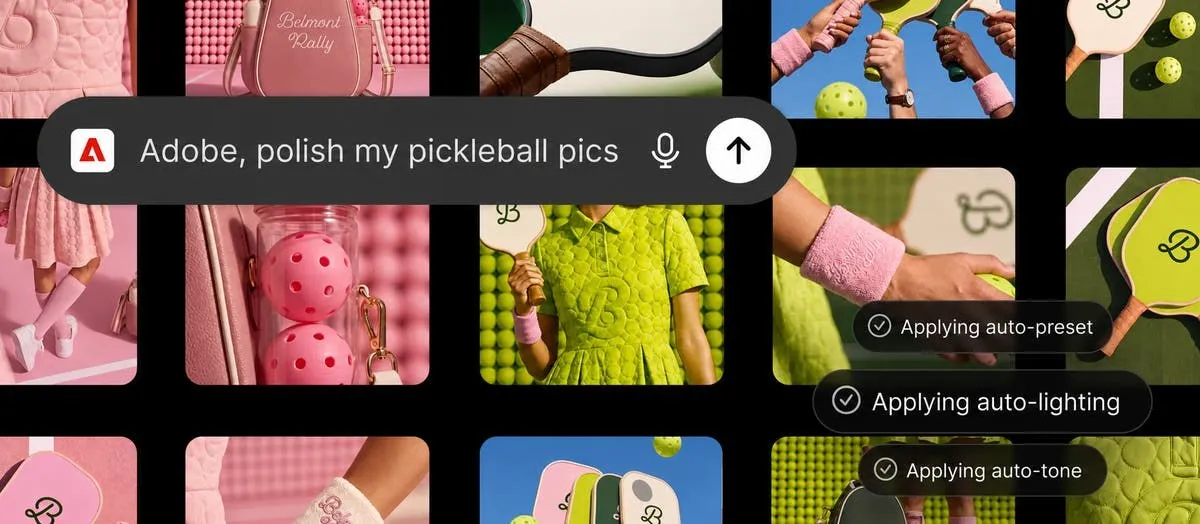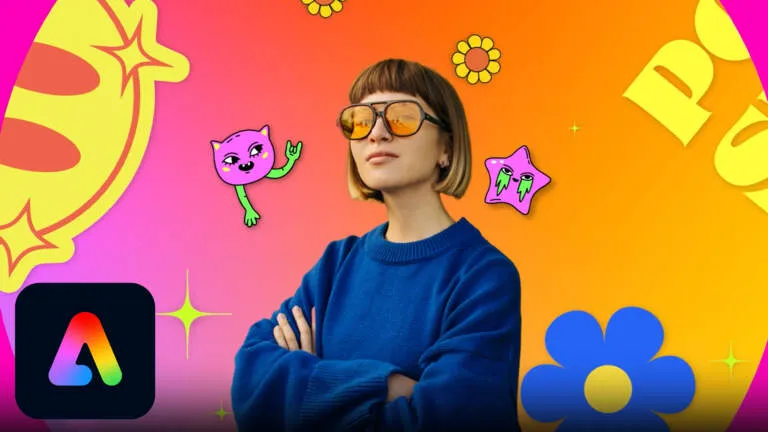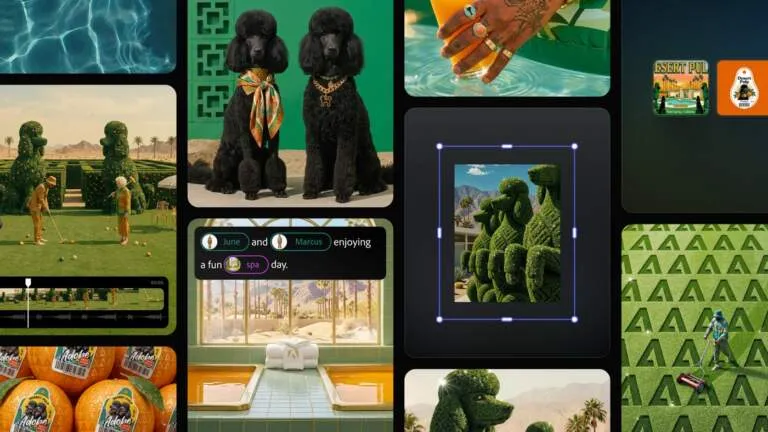
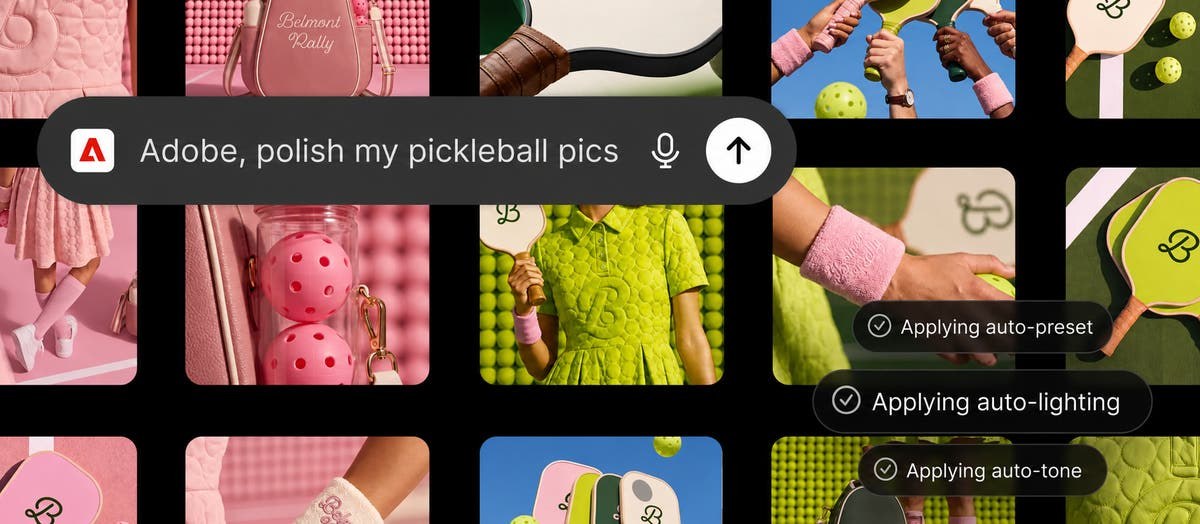
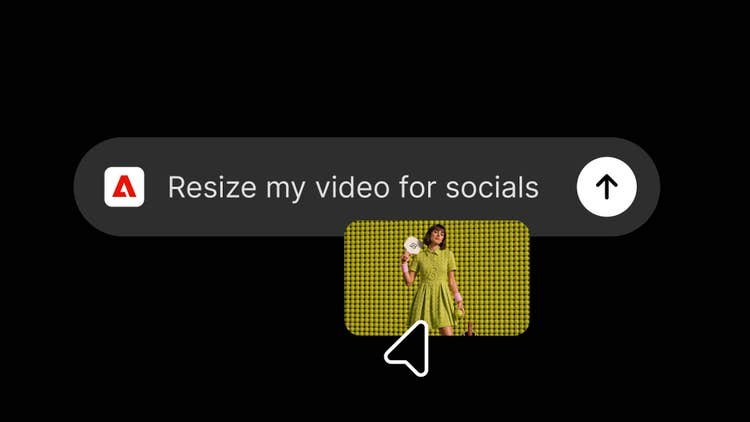
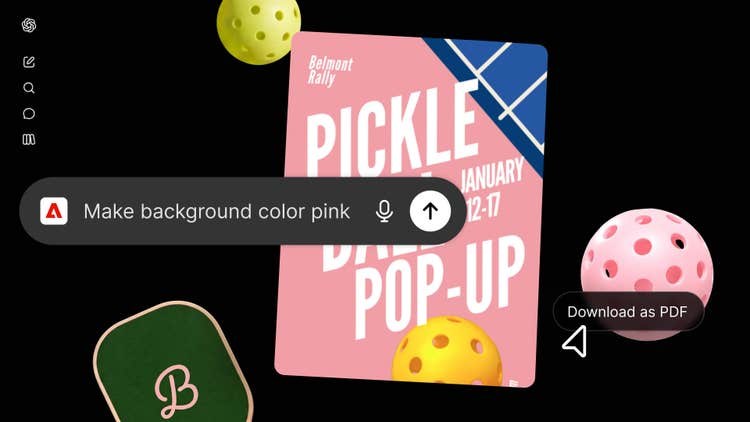
Adobe just dropped a massive game-changer by packing over 70 pro creative tools right into ChatGPT! No more constant app-switching between desktop programs. Creators can now handle Photoshop edits, cook up AI visuals with Firefly, manage PDFs via Acrobat, and grab Adobe Express templates without ever leaving the chat. Talk about a serious superpower for AI workflows.
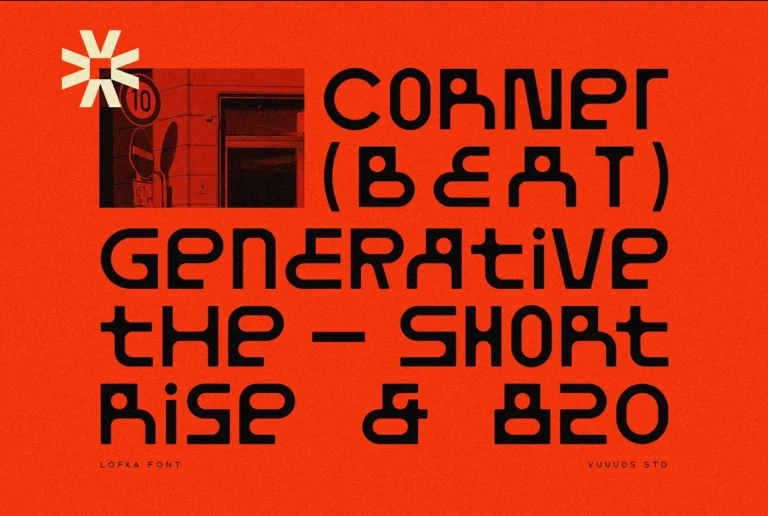
This nifty plugin links core Creative Cloud powerhouses directly with natural language processing. With just a few simple text prompts, it’s easy to spin up vector graphics, tweak image colors, pop out backgrounds, or arrange layouts for multi-page docs. By bringing high-end color algorithms, slick typography controls, and Generative Fill right into the chat box, Adobe built the ultimate shortcut from a rough idea to a polished, professional design. This brand-new workflow makes brainstorming and experimenting incredibly fast and smooth—no more breaking the creative flow by juggling a million open windows.
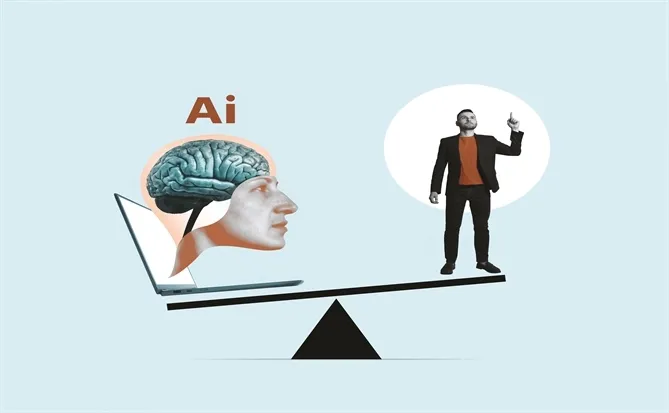
As chat interfaces turn into the go-to workspace, having these pro-level tools around is completely flipping the script on rapid prototyping and visual production. Getting direct access to precise vector tools and non-destructive image editing right inside the chat window knocks down technical hurdles while keeping designers firmly in the driver’s seat with maximum creative control.
Adobe vừa tung ra một bước tiến lớn khi mang hơn 70 công cụ sáng tạo chuyên nghiệp tích hợp thẳng vào giao diện của ChatGPT. Thay vì cứ phải chuyển đổi liên tục giữa các ứng dụng desktop, giờ đây các nhà sáng tạo có thể ra lệnh chỉnh sửa Photoshop, tạo ảnh AI bằng Firefly, quản lý PDF với Acrobat hay tận dụng kho template từ Adobe Express ngay trong một cuộc trò chuyện. Việc này đem lại một nguồn hỗ trợ cực kỳ mạnh mẽ cho quy trình làm việc với AI.
Bản plugin này kết nối trực tiếp các công cụ cốt lõi của Creative Cloud với khả năng nhận diện ngôn ngữ tự nhiên. Chỉ bằng những câu lệnh văn bản đơn giản, người dùng đã có thể tạo ra đồ họa vector, cân chỉnh màu sắc cho hình ảnh, tách nền hoặc sắp xếp bố cục cho các tài liệu nhiều trang. Bằng cách nhúng các thuật toán màu sắc cao cấp, bộ điều khiển typography và các tùy chọn Generative Fill vào ChatGPT, Adobe đã mở ra một lối đi tắt từ khâu lên ý tưởng bằng câu lệnh cho đến khi hoàn thiện sản phẩm thiết kế chuyên nghiệp. Quy trình mới giúp việc thử nghiệm và tìm kiếm ý tưởng diễn ra nhanh chóng, mượt mà mà không làm gián đoạn sự tập trung khi phải mở quá nhiều cửa sổ.
Khi các giao diện trò chuyện dần trở thành không gian làm việc chính, sự xuất hiện của các công cụ chuyên nghiệp này sẽ thay đổi cách tiếp cận trong việc làm prototype nhanh cũng như sản xuất hình ảnh. Khả năng truy cập trực tiếp vào các công cụ vector chuẩn xác và chỉnh sửa ảnh không phá hủy (non-destructive) ngay từ khung chat giúp giảm đáng kể rào cản kỹ thuật, nhưng vẫn đảm bảo được tính kiểm soát tối đa cho người thiết kế.