

Adobe Unveils Photoshop Elements and Premiere Elements 2027 with Powerful New AI Tools Adobe has officially released the Adobe Elements 2027 suite, packing fresh machine-learning features into both Photoshop Elements and Premiere Elements to make photo and video editing smoother and far more approachable.
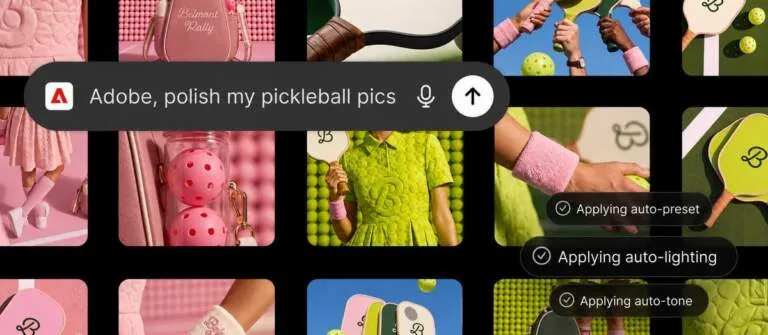
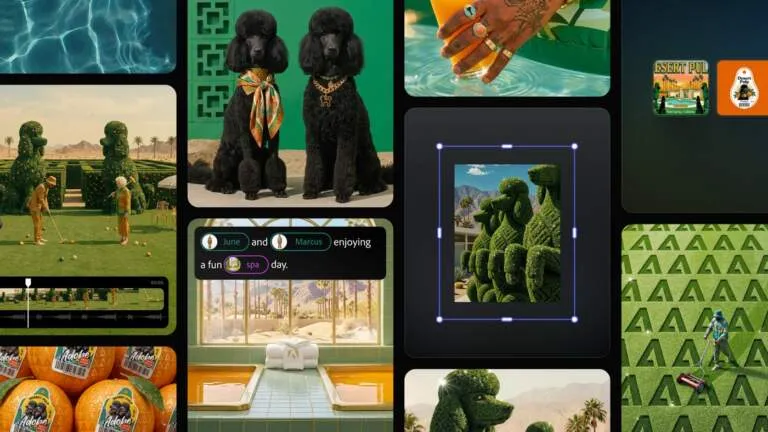
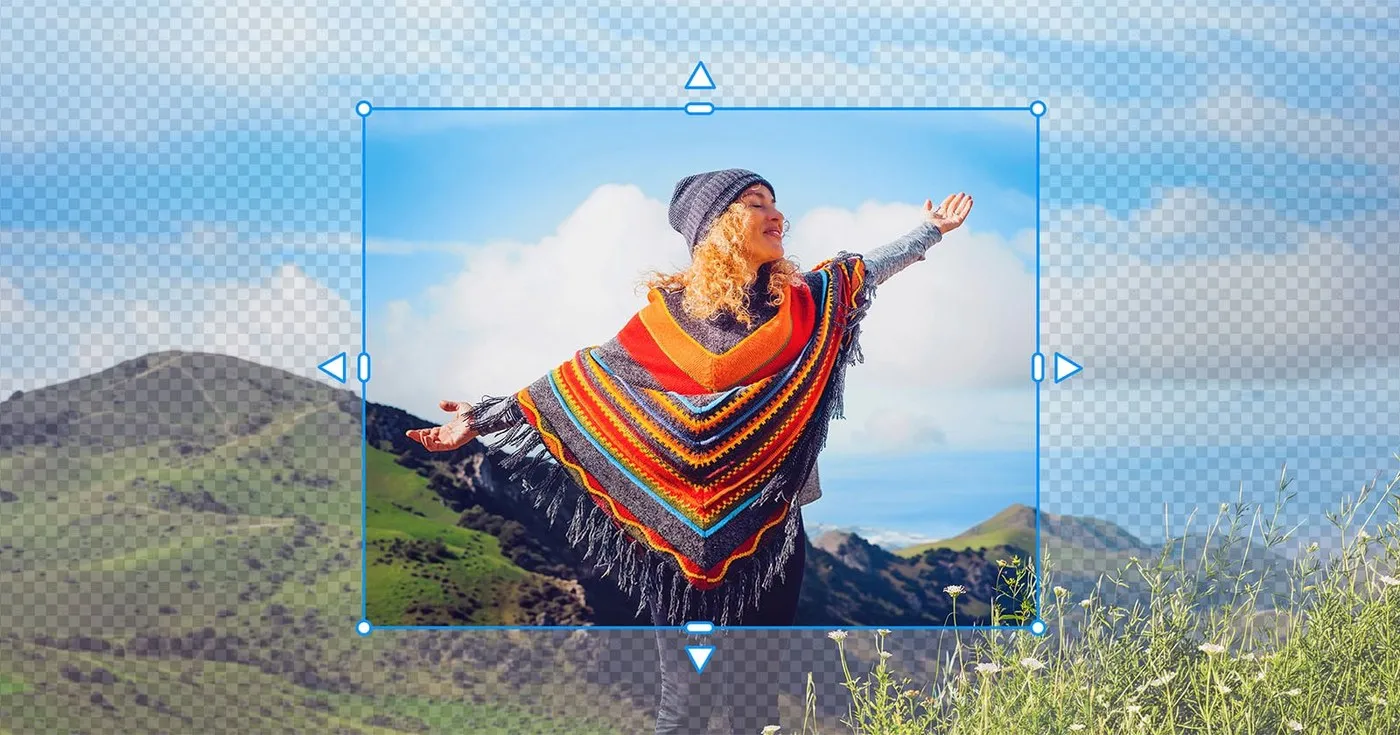
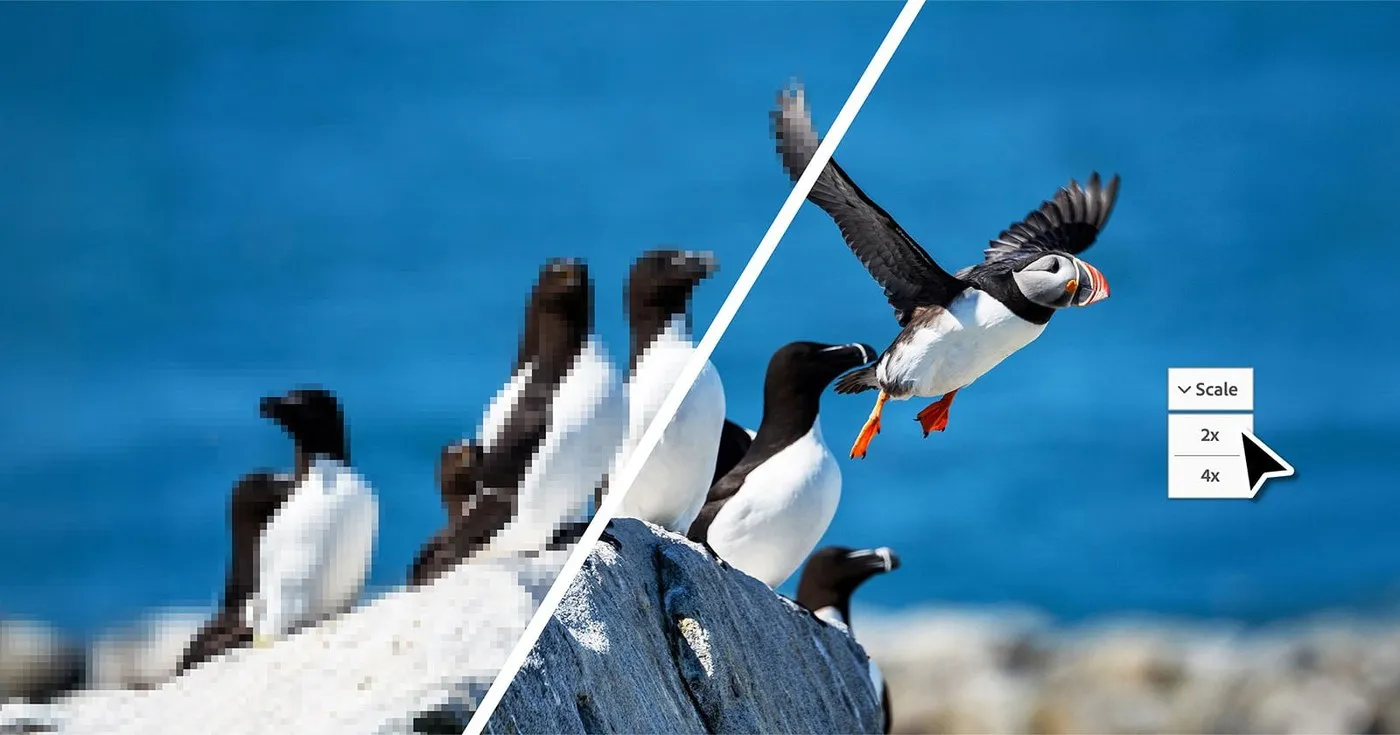
Photoshop Elements 2027: Smarter Photo Editing Powered by AI The standout upgrade in Photoshop Elements 2027 is Generative Expand, powered by Adobe Firefly, which smoothly expands photo backgrounds beyond the original frame. Turning a portrait shot into a wide social media banner or adjusting canvas ratios is now effortless, keeping key subjects perfectly intact. Meanwhile, Generative Upscale breathes fresh life into low-resolution shots and vintage family photos by sharpening fine details and restoring clarity for high-quality printing.
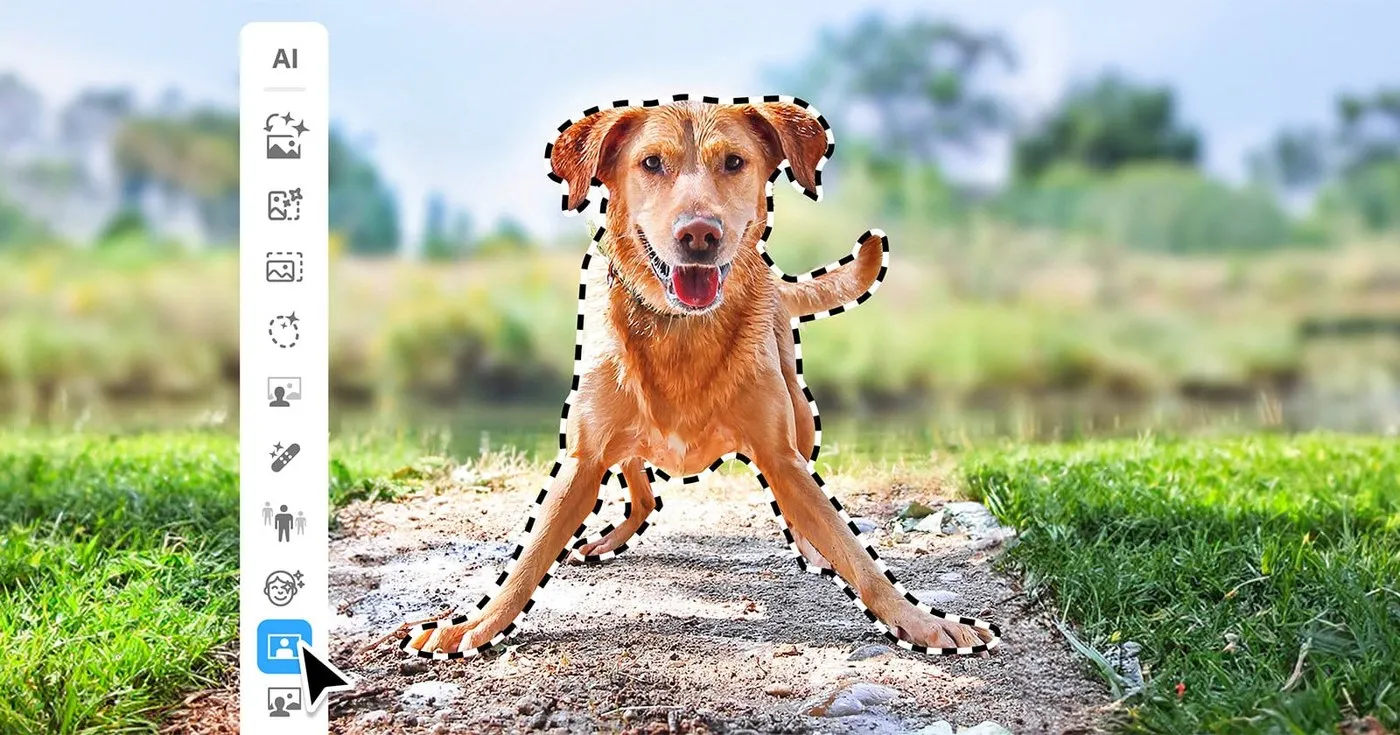
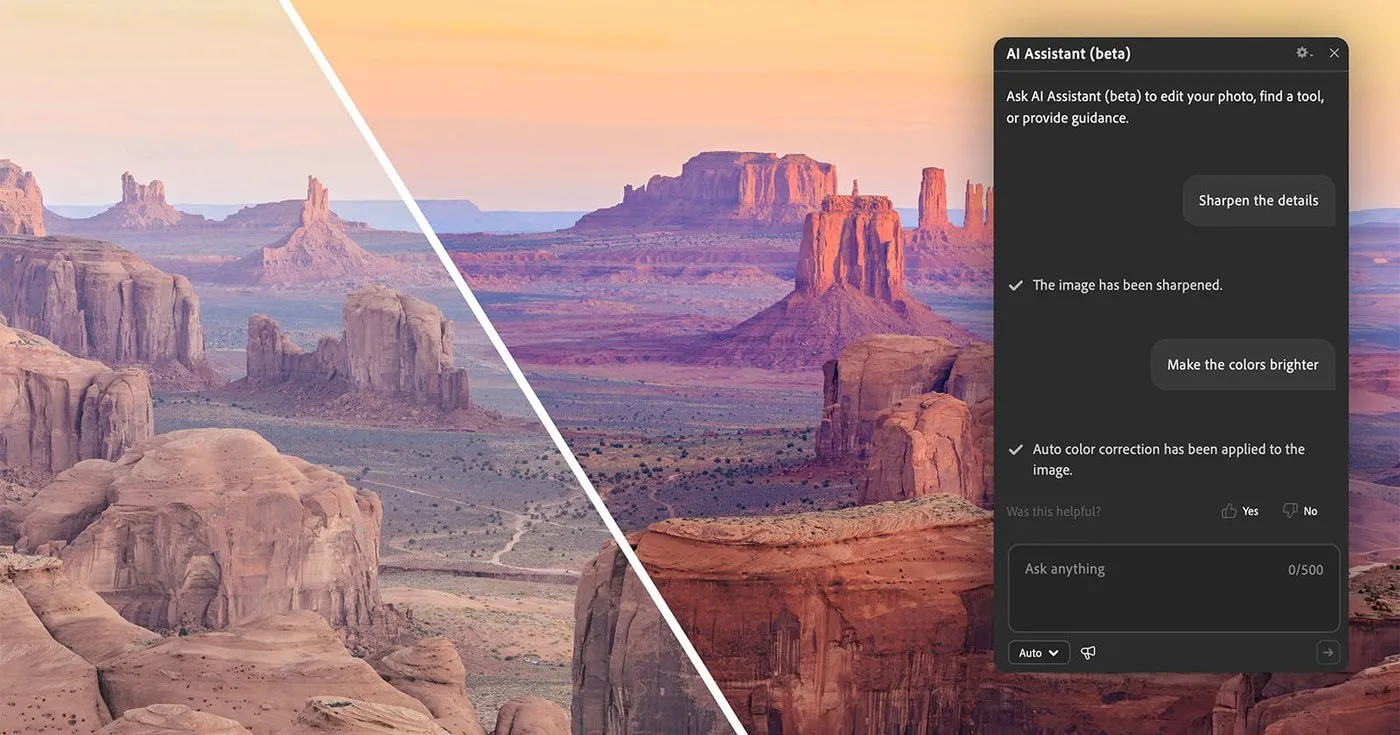
To streamline the workspace, the desktop app introduces a unified AI Tools Hub, bringing smart editing utilities into one central location. Users can also test out the beta AI Assistant to receive step-by-step guidance for complex tasks or execute multi-step edits using plain text prompts. Adding creative flair is extra engaging with artistic filters like Embroidery, Oil Painting, and Duotone—complete with customizable sliders for depth, texture, and color.
Premiere Elements 2027: Automated Video Editing Made Simple For video creators, Premiere Elements 2027 introduces Generative Title Art to craft stylized title graphics, along with Generate Image to quickly produce custom B-roll footage or visual overlays straight onto the timeline. Smart editing indicators and contextual toolbars automatically highlight transition errors or formatting tweaks early on, keeping the creative workflow completely seamless.
Seamless Ecosystem Syncing and Library Management The companion Elements Organizer library gets a big upgrade with English-language Semantic Search, enabling quick asset discovery through natural descriptions rather than manual tags. Sharing media between computers and mobile devices is also super fast thanks to quick QR code transfers.
Both Photoshop Elements 2027 and Premiere Elements 2027 are available as standalone licenses or as 3-year term subscriptions.
For additional details, visit the www.adobe.com/products/elements-family.html or check out the feature overview videos for main–cc–adobecom.aem.live/cc-shared/assets/video/product/elements/photoshop-elements/media_16e6e25a2d4b39941d84cbf716684ff12e9c5f84f.mp4 and main–da-cc–adobecom.aem.live/cc-shared/assets/video/product/elements/premiere-elements/media_1cd3179836e96316ffdef4a2aa34fc96eb9829dc9.mp4.
Adobe ra mắt Photoshop Elements và Premiere Elements 2027 với hàng loạt tính năng AI mới
Adobe vừa chính thức phát hành bộ đôi Adobe Elements 2027, mang các công cụ học máy (machine learning) tập trung lên cả Photoshop Elements lẫn Premiere Elements, giúp trải nghiệm chỉnh sửa ảnh và dựng video trở nên nhẹ nhàng hơn rất nhiều.
Photoshop Elements 2027: Chỉnh ảnh thông minh hơn cùng AI
Bản nâng cấp đáng chú ý nhất trên Photoshop Elements 2027 là tính năng Generative Expand dựa trên mô hình Adobe Firefly, cho phép mở rộng khung hình tự nhiên ra ngoài phạm vi ảnh chụp ban đầu. Việc hô biến một bức ảnh chân dung dọc thành banner ngang hoặc căn chỉnh lại tỉ lệ ảnh cho vừa vặn với các nền tảng mạng xã hội giờ đây có thể thực hiện dễ dàng mà không làm mất đi chủ thể chính. Bên cạnh đó, tính năng Generative Upscale hỗ trợ phục hồi và làm nét các file ảnh chất lượng thấp hay những tấm ảnh gia đình thời xưa, giúp làm rõ chi tiết để chuẩn bị tốt cho việc in ấn khổ lớn.
Để tối ưu không gian làm việc, phiên bản máy tính được bổ sung bảng điều khiển AI Tools Hub, giúp gom gọn tất cả các tiện ích thông minh vào một nơi. Người dùng cũng có thể trải nghiệm thử trợ lý AI Assistant (bản beta) để nhận hướng dẫn từng bước cho những thao tác phức tạp hoặc thực hiện chỉnh sửa nhiều công đoạn bằng câu lệnh văn bản đơn giản. Ngoài ra, việc sáng tạo thêm chất liệu nghệ thuật cho bức ảnh cũng thú vị hơn nhờ các bộ lọc như Thêu thùa (Embroidery), Sơn dầu (Oil Painting) và Duotone với các thanh trượt tùy chỉnh độ sâu linh hoạt.
Premiere Elements 2027: Tự động hóa công đoạn dựng video
Ở mảng video, Premiere Elements 2027 bổ sung tính năng Generative Title Art giúp tạo hiệu ứng chữ nghệ thuật cho phần tiêu đề, cùng tính năng Generate Image để tạo nhanh hình ảnh B-roll hoặc lớp phủ trang trí trực tiếp ngay trên timeline. Các chỉ báo chỉnh sửa thông minh và thanh công cụ ngữ cảnh cũng sẽ tự động phát hiện sớm lỗi chuyển cảnh hoặc sai định dạng trước khi xuất file, giúp quá trình dựng clip diễn ra mượt mà hơn.
Đồng bộ hệ sinh thái và quản lý thư viện dễ dàng
Công cụ quản lý thư viện Elements Organizer đã được cải tiến với tính năng tìm kiếm ngữ nghĩa bằng tiếng Anh, cho phép tìm kiếm file qua các câu mô tả tự nhiên thay vì phải gắn tag thủ công như trước. Việc truyền dữ liệu giữa máy tính và thiết bị di động cũng nhanh gọn hơn nhờ tính năng quét mã QR.
Cả Photoshop Elements 2027 và Premiere Elements 2027 hiện đều có sẵn dưới dạng bản quyền sử dụng vĩnh viễn (standalone license) hoặc gói đăng ký gộp theo thời hạn 3 năm.
Chi tiết về sản phẩm có thể tham khảo thêm tại trang chính thức www.adobe.com/products/elements-family.html cũng như qua các video giới thiệu tính năng main–cc–adobecom.aem.live/cc-shared/assets/video/product/elements/photoshop-elements/media_16e6e25a2d4b39941d84cbf716684ff12e9c5f84f.mp4 và main–da-cc–adobecom.aem.live/cc-shared/assets/video/product/elements/premiere-elements/media_1cd3179836e96316ffdef4a2aa34fc96eb9829dc9.mp4.